
Get quick access to scholarly articles by using the following tools.
LibKey Nomad
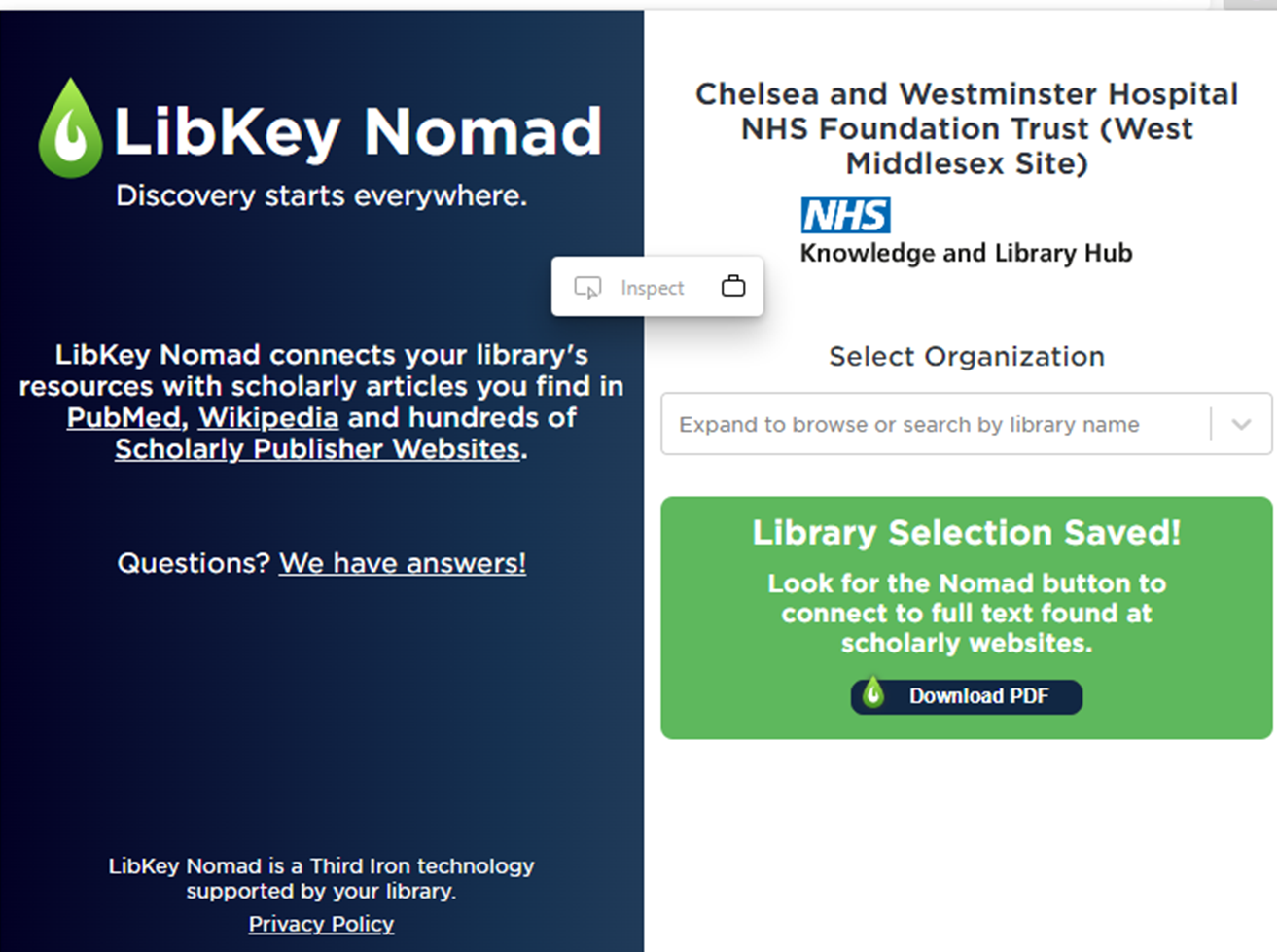
LibKey Nomad, Microsoft Edge browser extension enables single click access to library content from publisher websites, PubMed, Wikipedia and more.
How it works:
- Links to the full range of available content, including primary publishers, aggregators, open access alternatives and more. Contact library staff how to activate Libkey Nomad on your bowser.
- After adding to your profile, LibKey Nomad prompts you to select your subscribing institution. Select ‘Chelsea and Westminster Hospital NHS Foundation Trust (West Middlesex site or Chelsea site). After that, it simply automatically scans for scholarly content wherever you may roam.
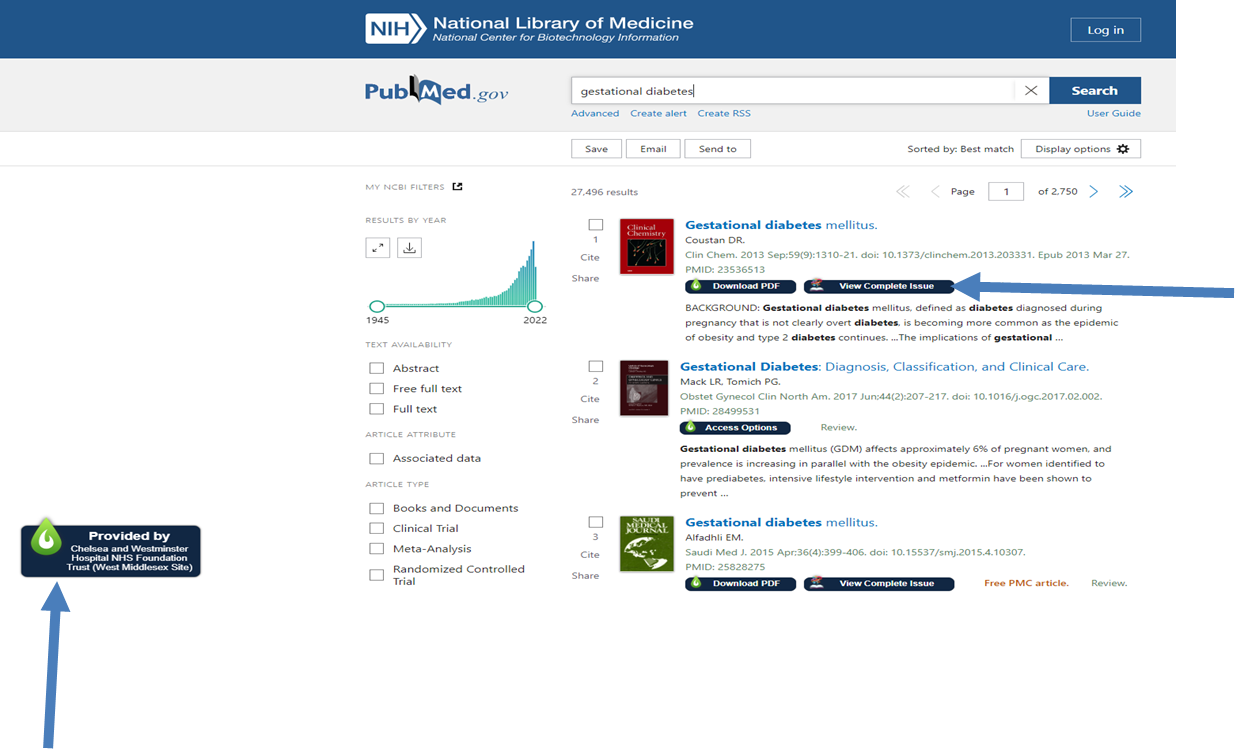
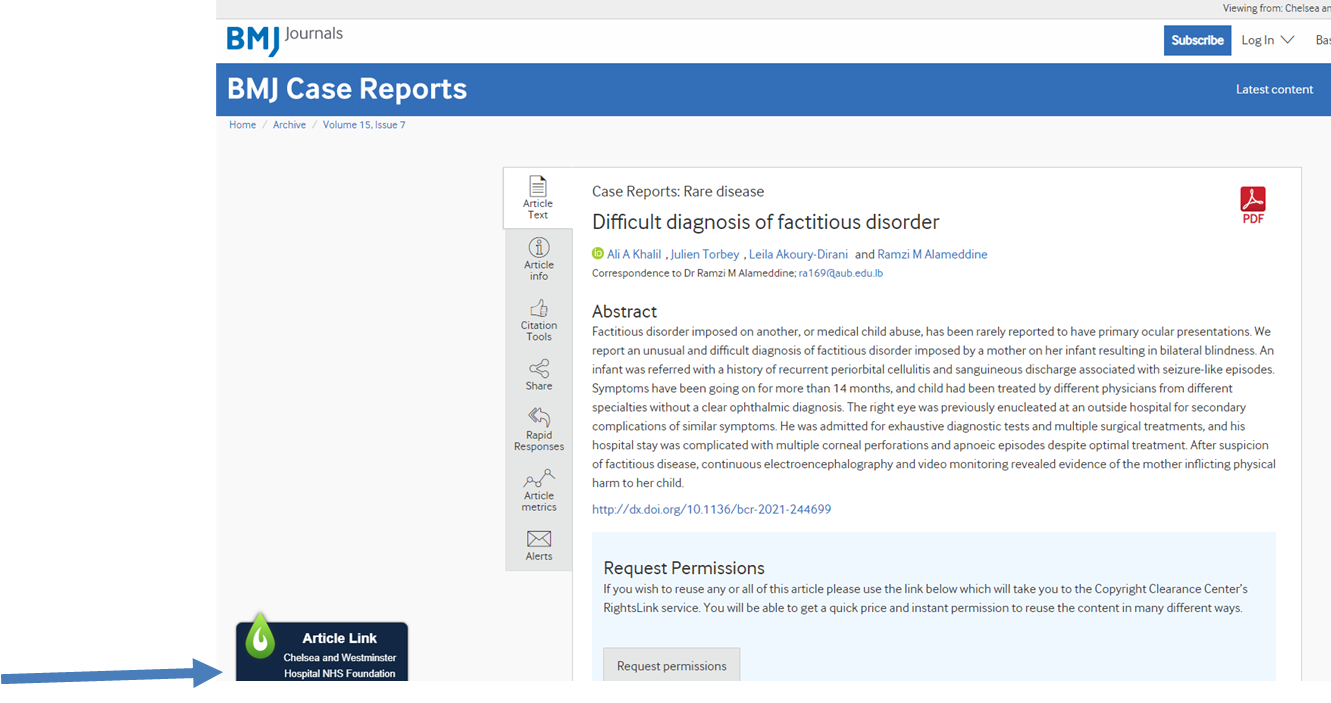
Privacy
- Nomad does not require the creation of a personal account
- Nomad does not cache or hold credentials. This ensures security and makes Nomad fully compatible with two-factor authentication, Virtal Private Network (VPN) system, Open Athens and more
- Nomad is active only when the user is on the web page of a scholarly publisher or database, all other domains are ignored.
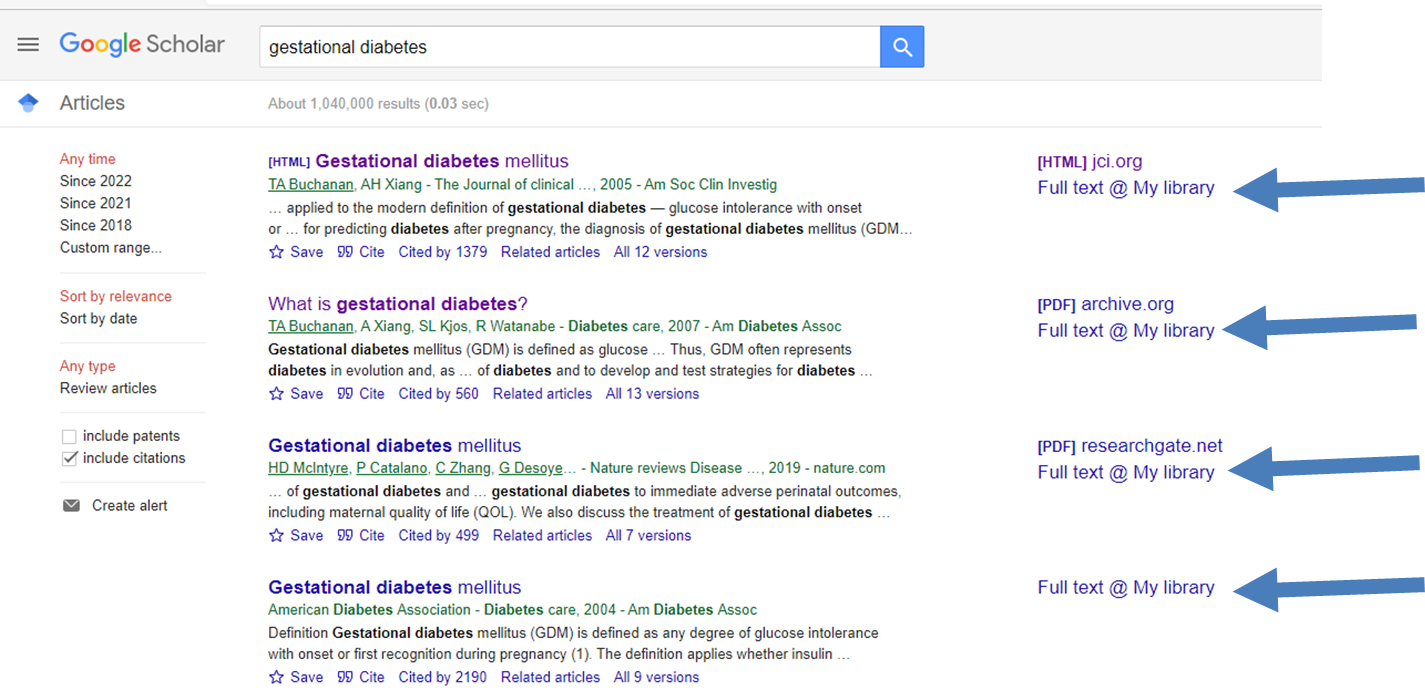
Once you have Libkey Nomad extention on your browser, you can also access full text articles when you search on Google Scholar
Google Scholar
Google Scholar can be used to search for scholarly information online, including articles, books, conference papers, theses, grey literature and official reports. Linking our library & Knowledge service to Google Scholar will ensure that you get access to any full text that we subscribe to.
You can connect to the Library & Knowledge Service via Google Scholar settings & selecting ‘Chelsea and Westminster Hospital NHS Foundation Trust‘. This will give you direct access to our electronic resources.
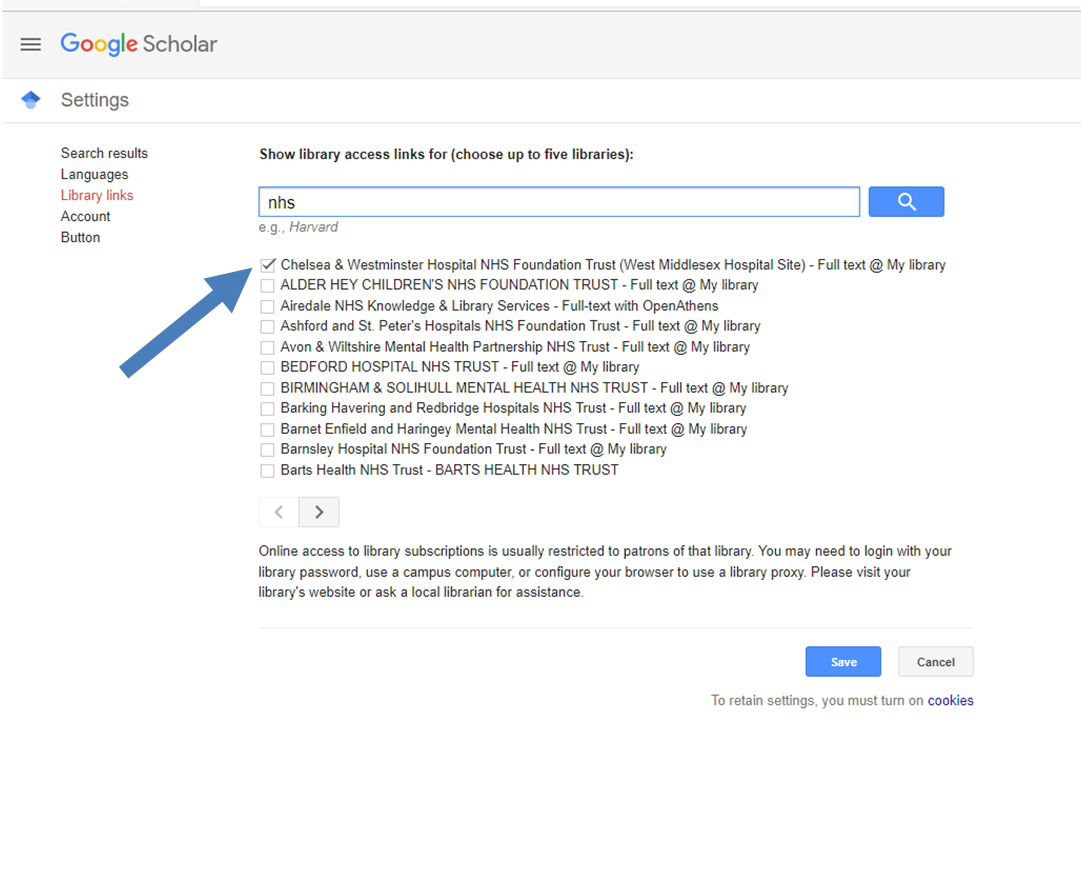
Now when you search Google Scholar you will see on the right hand side of the results, a row off links. If we have a subscription for an article, you will see a link displayed as as “Full text @ My library”. When you click on the link you will be able to access the full text of an article immediately.
Go from DOI or PMID to article in one-click with LibKey.io
If you have an article’s DOI address or PubMed PMID then use LibKey.io to find a full text pdf of the article using the search box below. LibKey.io takes you from the search box to the article PDF in one click eliminating all the confusion around navigating publisher websites searching for links to read the full text or PDF’s.
